The pointMoA app computes trajectories, keeps your shooting logbook, analyses shooting groups on a target and tracks your zero — and with a laser cartridge it turns your phone into dry fire training at home. Everything happens on the device — no account, no internet connection.
Gear, ammunition and ballisticsA promotional video with voice-over and captions: a firearm card with round counts and cleaning history, ammunition stock, the ballistic calculator with its correction table and a shareable report card.
Feature tour
Every module and every tab in screenshots — the same tour that welcomes you after installing.
pointMoA
Welcome to pointMoA
A shooter’s notebook that calculates trajectory and works offline. Swipe to see what it can do.
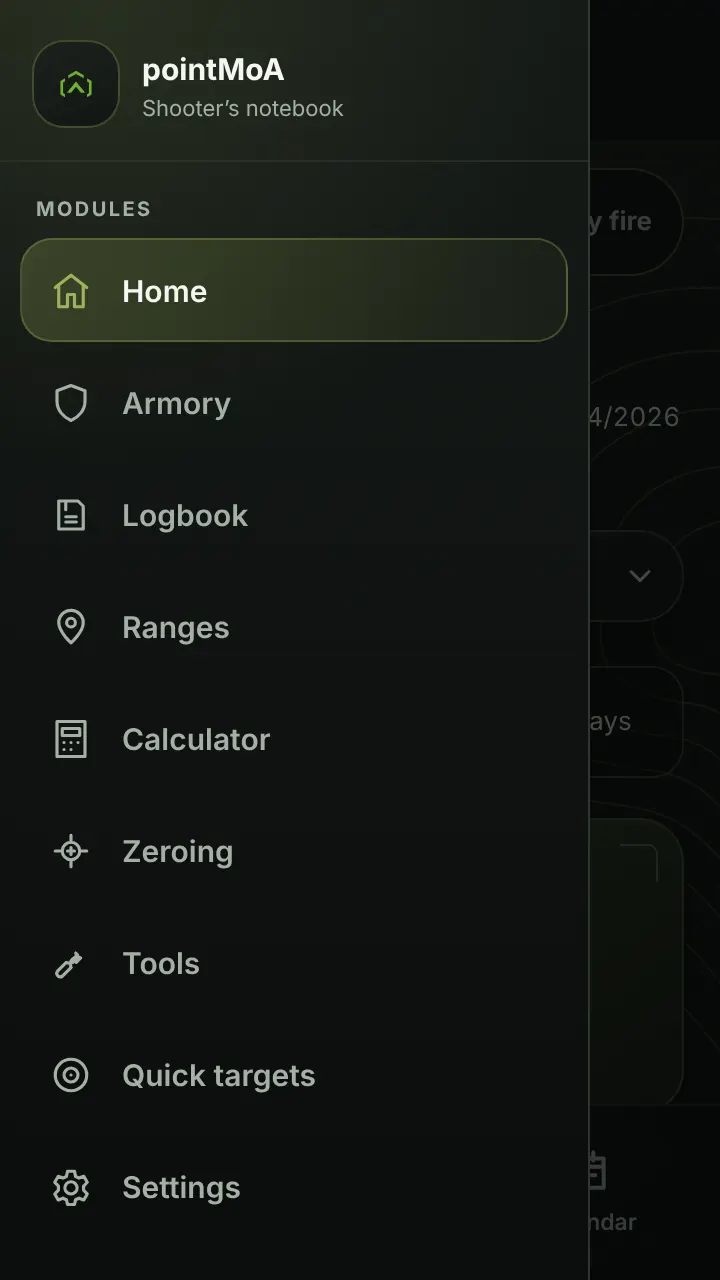
Switch modules with the menu icon in the top left corner.
Everything works without signal — even in airplane mode.
Your data stays on this phone and the app sends nothing — so make backups.
Home
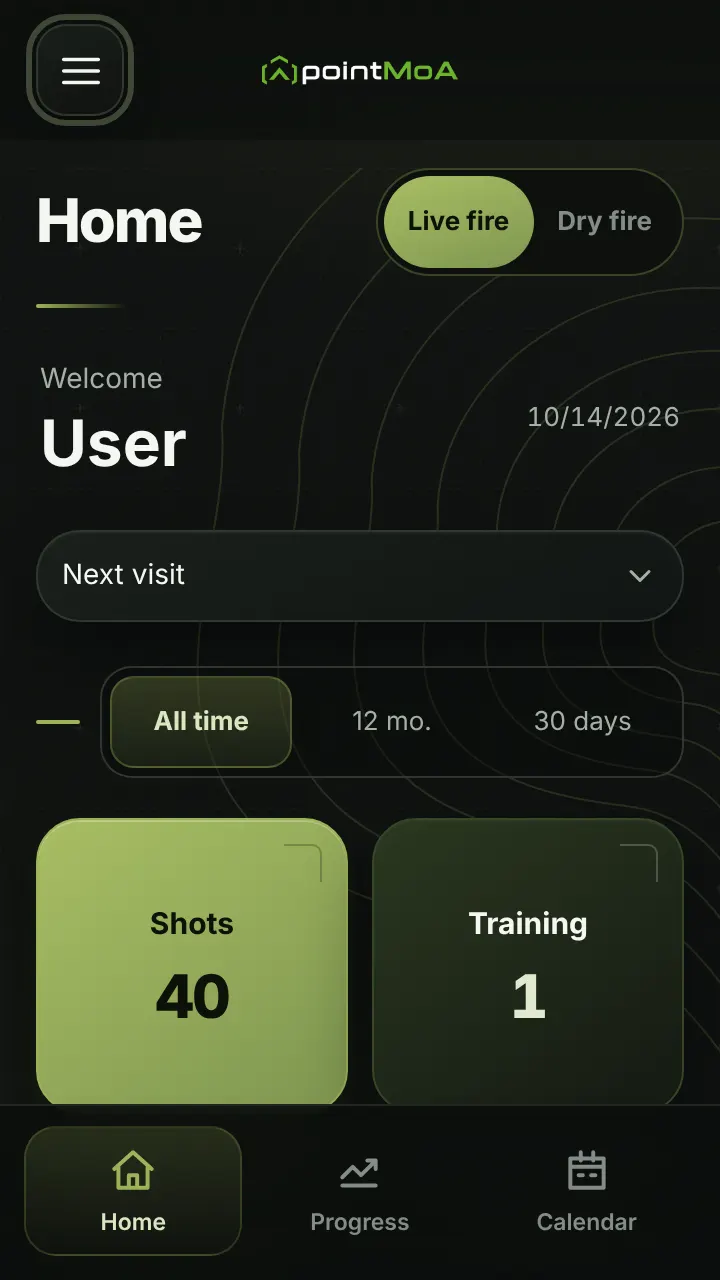
Home
The first screen tells you what is going on and what is ahead.
Tiles: shots, training sessions, matches, firearms, ammunition and average group size.
First steps lead straight to the data that is missing.
Next visit: overdue service, upcoming matches, goals with a deadline.
Home · Progress
Progress — overview and analysis
How it is going — calculated from your targets.
Charts over time: every measure target by target and session by session.
Season summary as a graphic to share.
Analysis: hit map, P50 and P90, firearm and ammunition comparison, statistics PDF.
Home · Progress
Progress — goals, records, insights
Goals the app tracks for you.
A goal with a value, scope and deadline — with a progress bar.
Personal records count themselves, the top five in each category.
Insights: at which distance and with which firearm and ammunition you shoot better.
Home · Calendar
Calendar
A full-screen month — sessions, matches, zeroing, service and purchases appear on their own.
Past and planned, each kind with its own icon.
“+” on a chosen day plans a session or a match.
Month summary: events and rounds fired.
Calculator · Data
Calculator — data
Firearm, optic, ammunition and atmosphere — typed in or loaded.
A firearm from the Armory and a factory ammunition preset — or everything by hand.
Catalogue, custom, chronograph-series or powder-temperature muzzle velocity.
Measure the shooting angle with your phone — in advanced mode also cant and azimuth.
Calculator · Result
Calculator — result
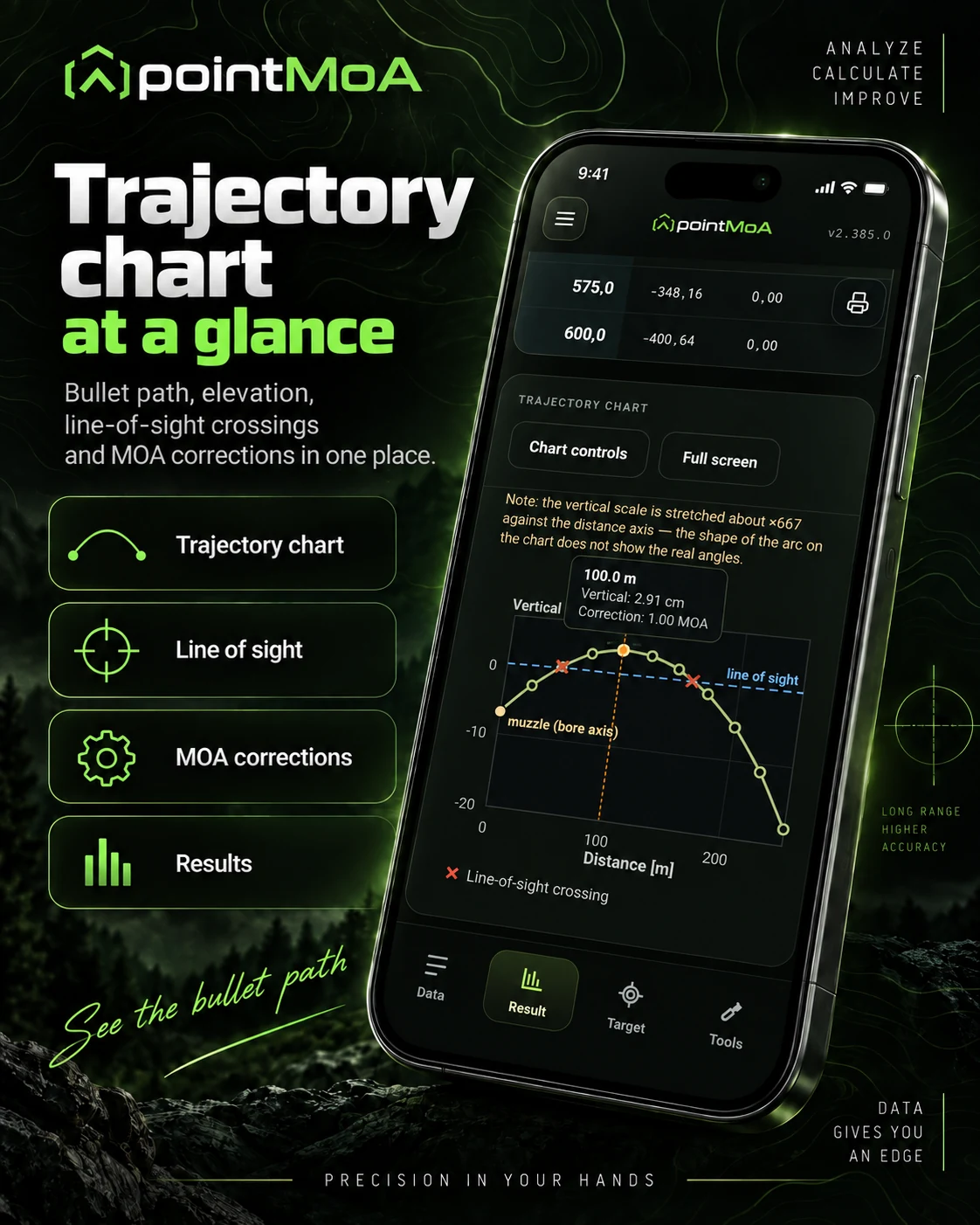
Firing table and trajectory chart.
Elevation and wind corrections in MOA or MRAD at every distance.
Velocity, energy, time of flight and the drop below the speed of sound.
Several loads compared on one chart.
Calculator · Target
Calculator — target
Where the bullet lands and how to aim.
Point of impact on the target and the hit zone.
Reticle with the hold point (FFP and SFP).
Hit probability and a dope card (PDF).
Zeroing targets plus ISSF and NRA targets to print.
Calculator · Truing
Calculator — truing
A table matched to where you really hit (advanced mode).
Muzzle velocity or BC fitted from a group at distance — or from a series.
Plan: which distance tells you the most.
Tall target test: the true click value.
Calculator · Shooting
Calculator — shooting
A range screen with big digits (advanced mode) — up to 1000 m for long-range calibres.
Change distance, wind and moving target with buttons.
Night mode and full screen.
Target list with angles and a shooting card (PDF).
Zeroing
Zeroing
Guides you through setting up the optic step by step — from the printable sheet to the saved zero.
A printable sheet (PDF) matched to the distance and optic.
Initial group, analysis from a photo and the correction in clicks.
Zero check, history and a PDF report.
Armory · Firearms · Card
Armory — firearm card
Every firearm with its specifications and current state.
Round count and cleaning counter come from the Logbook and Zeroing.
The current zero and a reminder to check it.
Photo gallery and a firearm report to share.
The firearm form loads model data from the database.
Armory · Firearms · Service
Armory — service
The maintenance history of the firearm.
Service log: cleaning, maintenance, inspection, repair and cost.
Part replacement — the counter starts from zero, the old count stays in history.
Barrel round count and a reminder of the next service.
Armory · Firearms · Ballistics
Armory — ballistics
The Calculator profile assigned to this firearm.
The profile result, calculated exactly as in the Calculator.
Profile conditions: temperature, pressure, humidity and wind.
One tap to the Calculator — in advanced mode also to truing.
Armory · Ammunition
Armory — ammunition
Loads, purchases and stock.
A product is a load, a purchase is a lot with price and quantity.
Stock and cost per shot calculate themselves.
Manual stock correction with a note on why.
Logbook · Sessions
Logbook — sessions
Every visit to the range.
Date, place, firearm, ammunition, shots, conditions and notes.
Planning ahead and a preparation checklist.
Range mode: live counter, targets and photos without leaving the screen.
Logbook · Sessions · Targets
Logbook — targets
Mark the shots with a finger or take them from a photo.
Score, group size, mean radius, P50 and P90 and the centre of impact.
Target photo with shot-hole detection — you accept the suggestions yourself.
“How you aimed” links the target to the Calculator table.
Logbook · Sessions · Statistics
Logbook — statistics and report
The result of a visit in numbers and on a chart.
Session statistics filtered by distance, firearm and ammunition.
Report: an image to share, made of the fields you choose.
Charts across many visits are in Progress.
Logbook · Matches
Logbook — matches
Matches from preparation to result.
A preparation checklist to tick off before you leave.
Events, results, targets and photos.
A match report to share.
Logbook · Dry fire
Dry fire — laser training
Training at home with a laser cartridge: the phone on a tripod watches a printed target.
Download the printable target (PDF) from the new session screen.
The camera calibrates on the markers and records the laser dots as shots.
Firearm unloaded, magazine empty — only the laser cartridge in the chamber.
Logbook · Dry fire
Dry fire — training types
From free shooting to a qualification test.
Scored — with a “real” result through the bullet path of the firearm profile.
Drills from the catalogue, timed training and hold.
Pre-zeroing and the licence test (PZSS qualification).
Ranges
Ranges
A card for every range you visit.
Address, directions, phone, hours, lanes, prices and a photo.
A rating from 1 to 5 stars with pros and cons.
Club membership with the fee deadline and visits from the Logbook.
Tools
Tools
Converters at hand — at the bench and on the range.
Mass, velocity, angle, energy, length, distance, temperature and pressure.
Rangefinder from the reticle — also for SFP.
Comma or point, results to five significant figures.
Quick targets
Quick targets
A target right away, without creating a session.
A photo or shots marked with a finger — and the score immediately.
Moved later to a Logbook session, it counts in statistics.
The “Dry fire” mode leads straight to laser training.
Backup
Backup
Your data lives only on this phone — a backup protects it.
Export all data to a single file.
Restore from a file — also on a new phone.
A reminder when no backup has been made for a long time.
Settings
Settings
The app your way.
Dark, light or system theme and five languages.
Metric or imperial units, MOA or MRAD.
Contact address and privacy policy.
About
What’s next
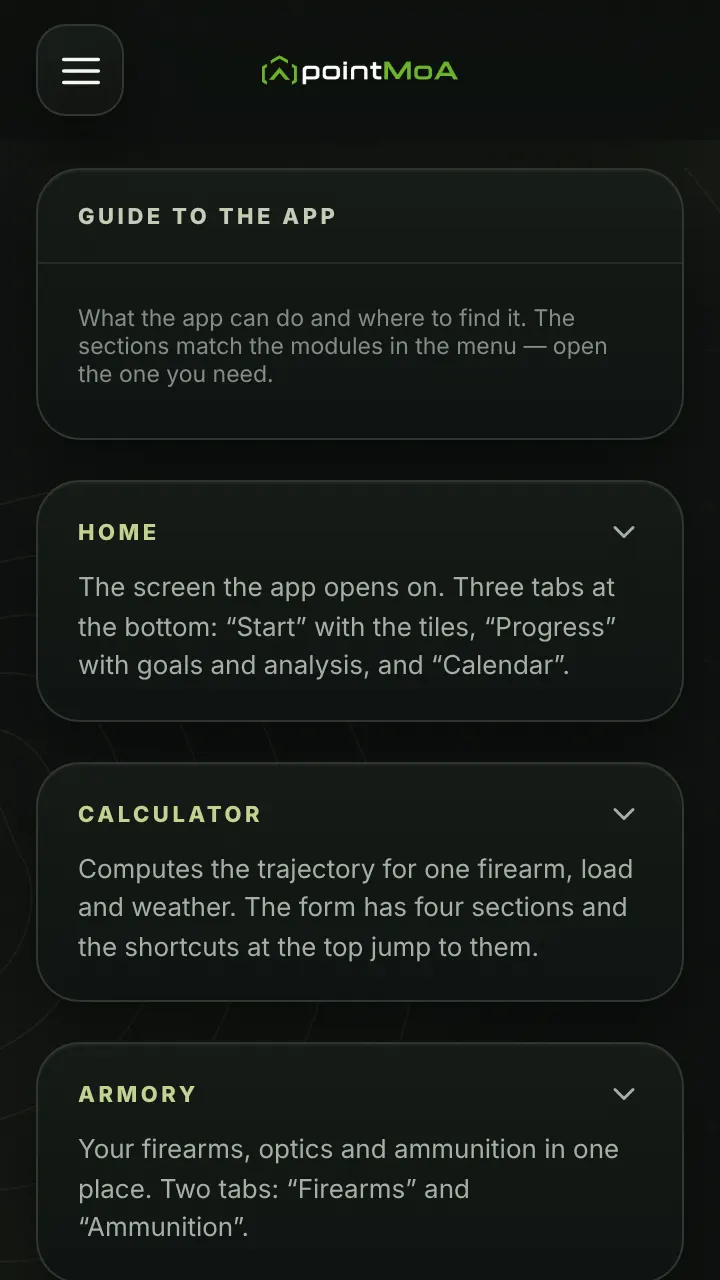
The guide describes every feature in detail.
The guide is in the “About” module in the menu.
You can watch this tour again there.
No accounts and no ads — the app sends nothing.
1 / 27
What it does
The six things the app was built for, each with its screen beside it. They all run on the same data: enter a firearm, an optic and a load once, and the whole set uses it. The figures shown come from a sample session.
Trajectory calculator
G1 and G7 drag models, RK4 integration, corrections for wind, shooting angle and atmospheric conditions. Results as a table and as a bullet path chart with the line of sight.
Zeroing assistant
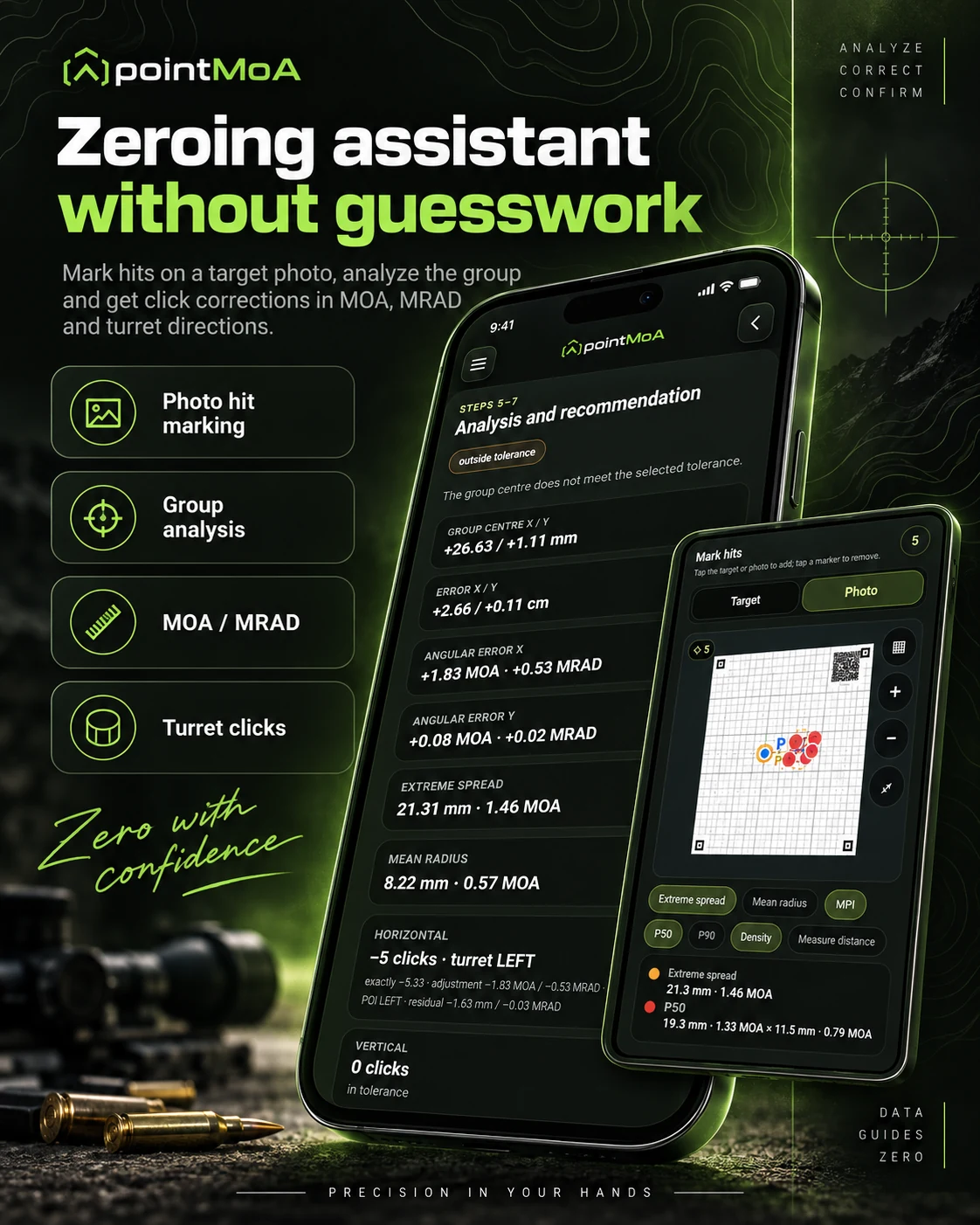
Mark the hits on a photo of your target and the app works out the group centre, the angular error and the number of turret clicks, direction included. No mental arithmetic at the firing line.
Target analysis
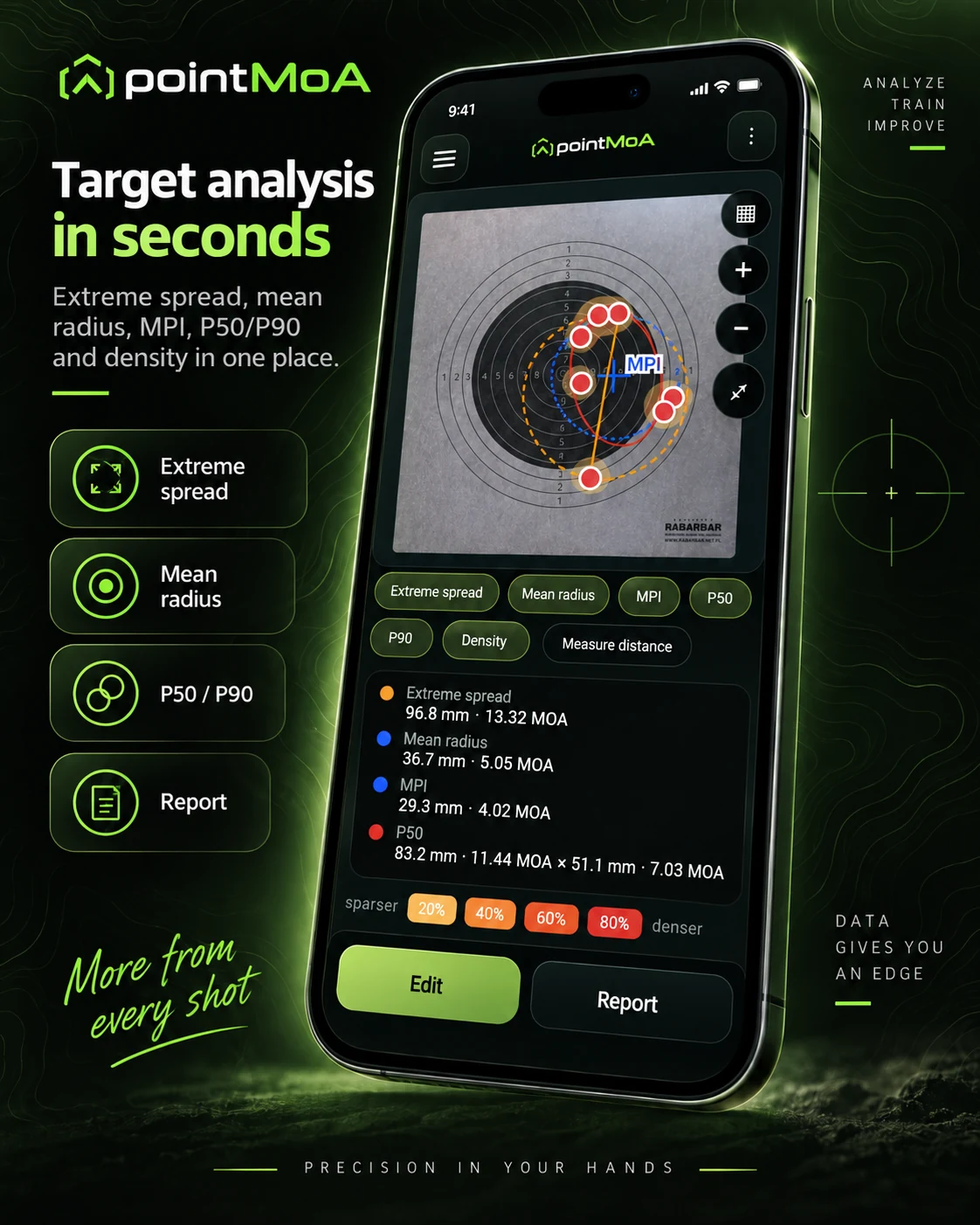
Extreme spread, mean radius, mean point of impact, P50 and P90 plus a hit density map. The same figures in millimetres and in MOA.
Shooting logbook
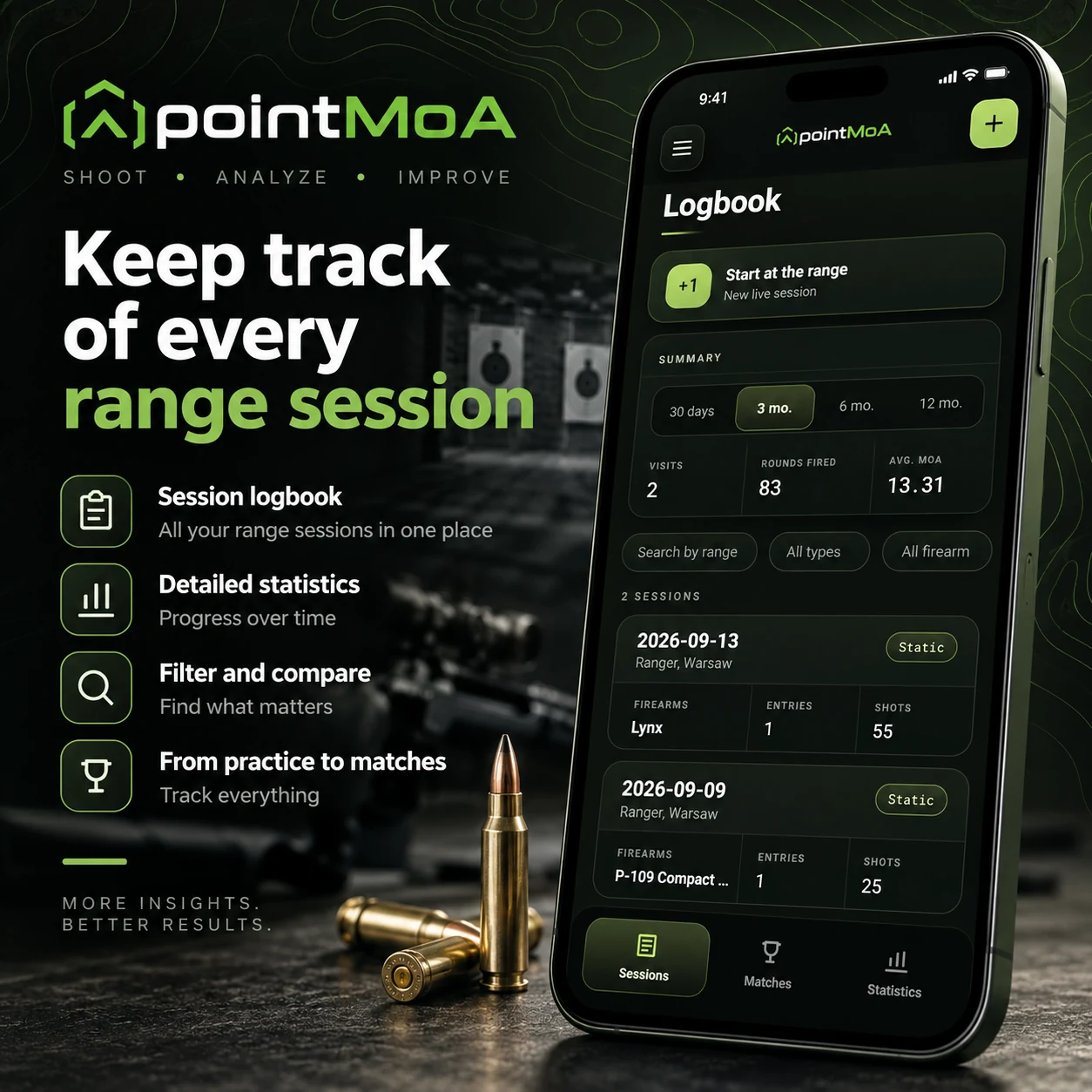
Range sessions, practice and matches in one place: history, round count, average group size and photos of your targets.
Armoury
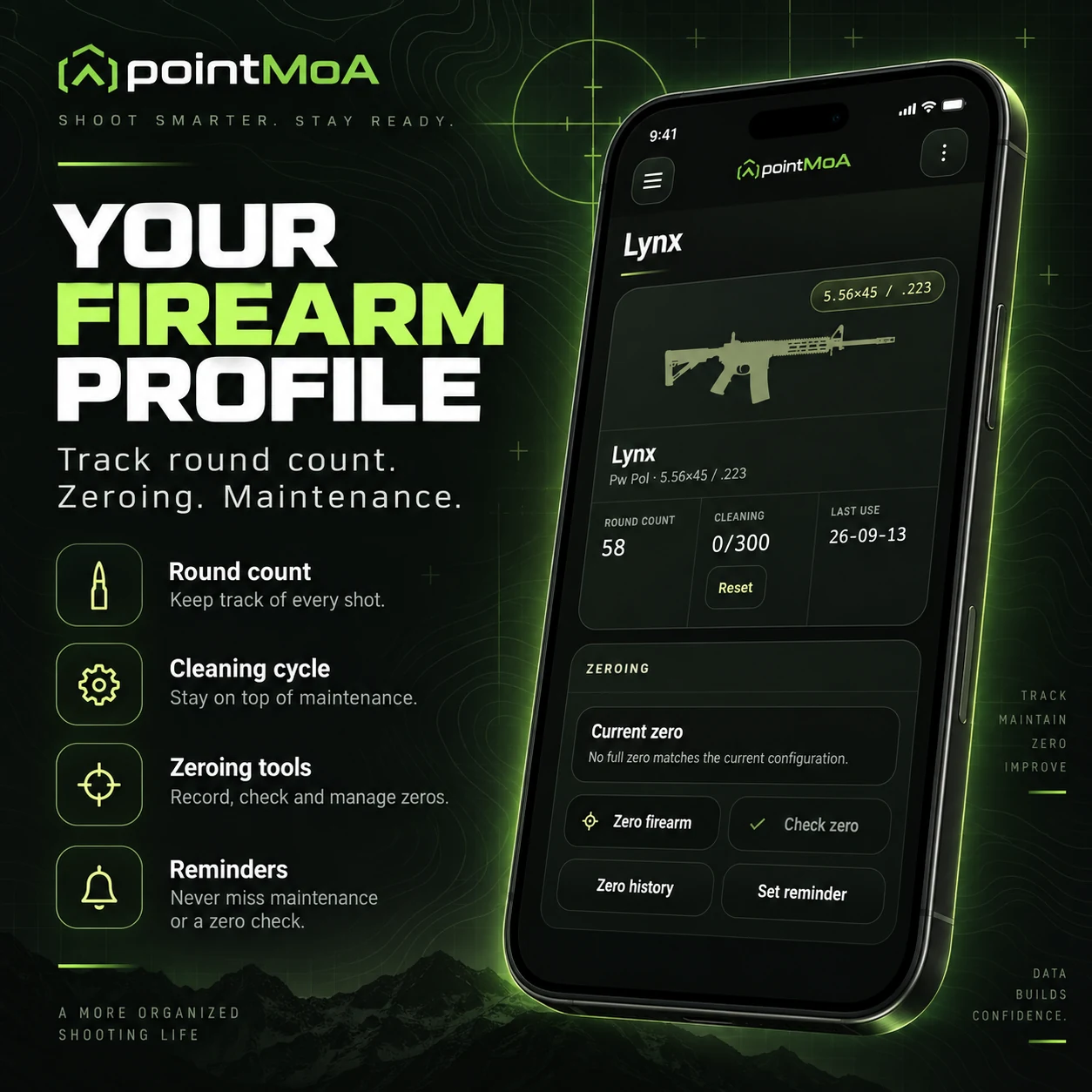
A card for every firearm: round counter, cleaning cycle, zeroing history and maintenance reminders.
Result cards and printouts
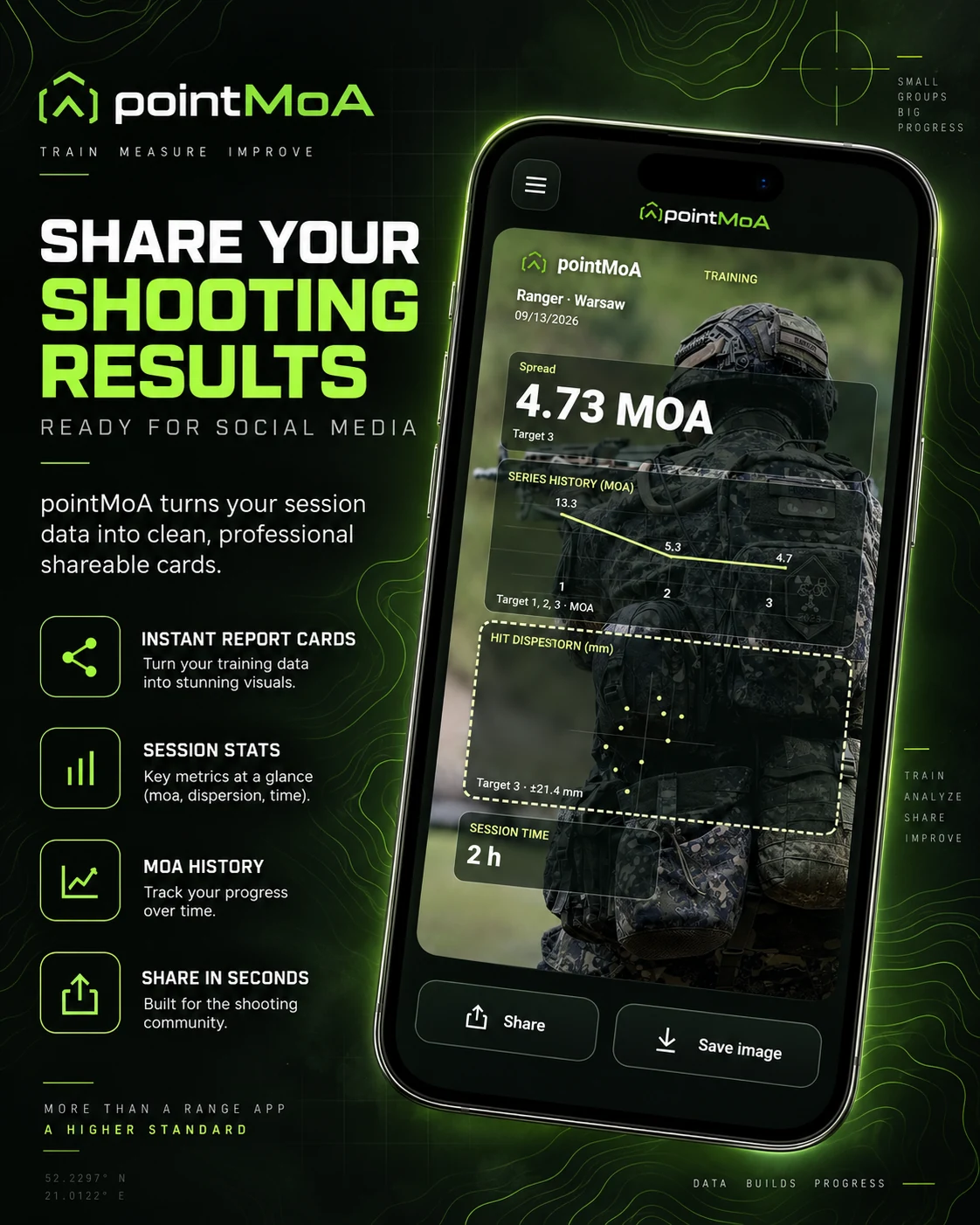
Ready-made session report cards prepared for social media, plus a zeroing target and print-ready reports with a control square that verifies the print scale.
See the app in action
Short videos from the app. They play only when you click them. The screen recordings have no sound.
Home screenUpcoming visits from the calendar, counters of shots, training sessions and matches, the “Live fire / Dry fire” switch and the calendar with planned sessions.
Ballistic calculatorConditions and zero data, a correction table every 100 m, the bullet path chart with the line of sight and the point of impact on a target for the selected distance.
ArmouryThe firearm list and ammunition stock by calibre and bullet weight, a firearm card with round and cleaning counters, the service log and the chart from the calculator profile.
Logbook and targetA range session: a new target, marking hits with a finger and the string result — spread, mean point of impact and score.
ProgressGroup goals and records, the trend over recent sessions, dispersion parameters and a hit density map with P50 and P90.
Report cardA shareable session report: format, tile layout, a background from a photo or the target, and overlays — hits, spread, mean point of impact.
New in the app
Dry-fire training with a laser
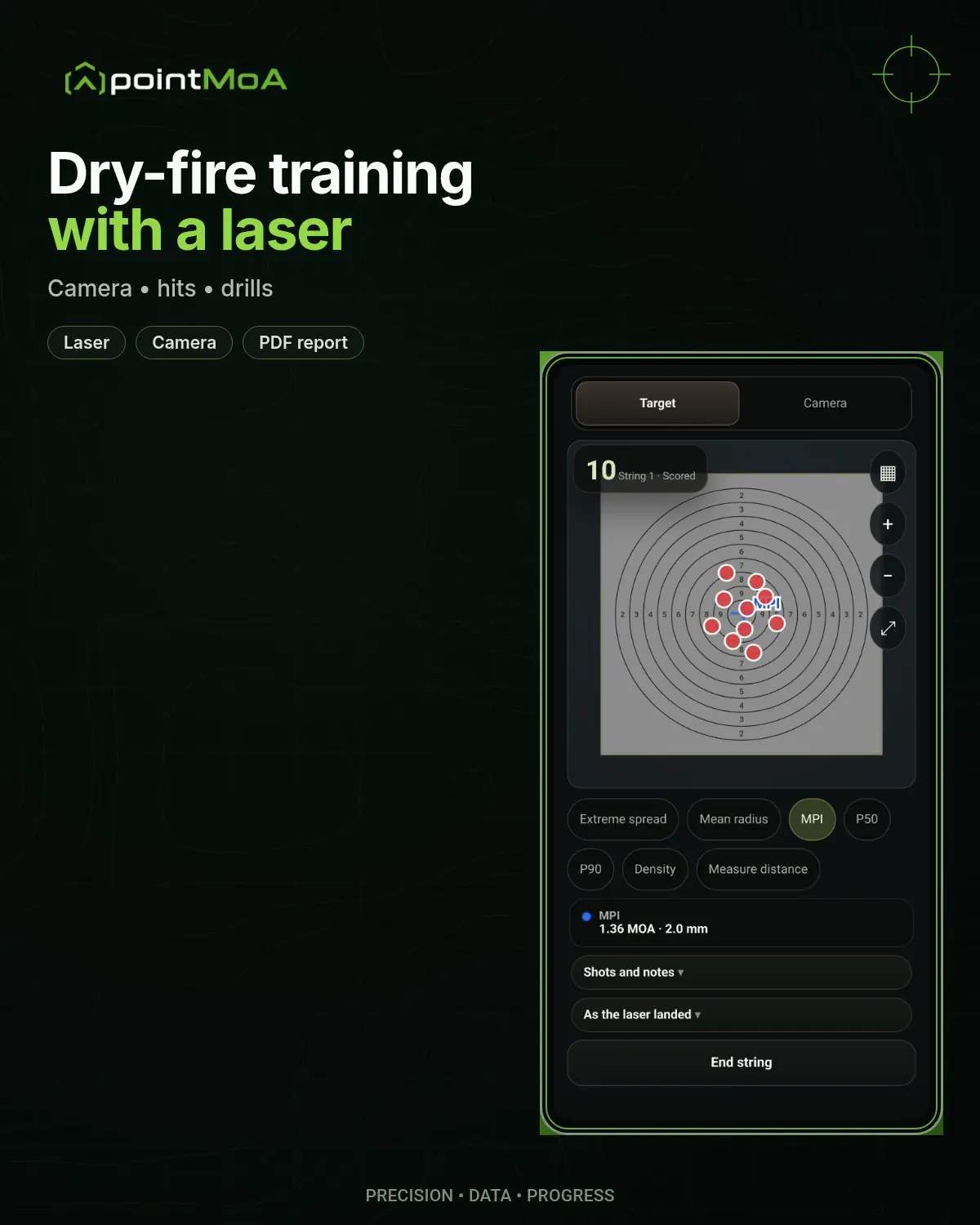
Ten minutes at home, every day, instead of waiting for your next range visit. A laser cartridge flashes each time you break the shot, and the phone camera picks up the spot on a printed target and scores the hits — on the device, with no network. All you need is the laser, a printout from the app and your phone.
Dry fire keeps its own statistics: a “Dry fire” tab in the logbook, a card and a PDF report for every session, goals and records. Laser results never mix with live-fire results.
A target with a grey field and four markers in the corners, printed at 100% scale on A4, A3 or A2. The sheet hangs flat and the app calibrates the frame by itself, from the markers.
Set the phone by the target
1–1.5 m from the sheet, slightly to the side and out of the line of fire, ideally on a tripod. The whole sheet and all markers in frame, one light source and no glare.
Shoot with the laser
Every firing-pin strike gives a short flash. The app marks the hit, gives its distance from the point of aim in millimetres and measures the group of the string.
What you can train
Shooting and drills
With a flash cartridge: free and scored strings, timed shooting and drills from the printout — Dot Torture, IDPA 5×5, VTAC 1–5, El Presidente, reloads and hit factor.
Holding and stance
With a constant-on laser: holding on the point in several segments, each in a chosen position — standing, kneeling, prone or supported. The app watches how the spot wanders around the point of aim.
Pre-zeroing
A laser in the bore axis, the zeroing card on the wall and turret clicks from the optic profile — before you drive to the range. It is an approximation within a few MOA, which live-fire zeroing only refines.
See it in action
A string with the laserThe background test and a scored string: each laser flash appears as a hit on the ring target, and the app updates the mean point of impact and the spread live.
Laser pre-zeroingA five-shot string on the zeroing card: hits, the mean point of impact, the error against the PT, group spread, turret clicks and the uncertainty of the result.
Which laser fits
Red, 630–670 nm, up to 5 mW, pulsing on the firing-pin strike — in shooting drills the app treats a constant light as “not a shot”. A constant-on laser is useful for holding and pre-zeroing. The app is not tied to any laser brand.
Trigger and reloading
A laser cartridge does not fire, so nothing re-cocks the striker or hammer. Slide-cocked strikers, single-action hammers and bolt actions need a cycle after each shot; DA/SA, DAO and DA revolvers fire shot after shot in double action.
Safety
The firearm unloaded, live ammunition in another room, only the laser cartridge in the chamber. Never point the laser at people's or animals' eyes — lasers of this power (Class IIIa) can damage eyesight.
Your data stays on the device
The app needs no account and sends nothing to any server — sessions, target photos and firearm profiles live in your phone's storage. The calculations run without an internet connection, so they work where there is no signal.